Create Storage
To get started with Retriqs, you must first create a storage space. A storage acts as a container for your uploaded documents, generated knowledge graphs, and vector embeddings. It ensures that data remains strictly isolated per project or workflow.
Last updated: April 4, 2026
Prerequisites
- A working installation of the Retriqs app.
- An API Key for OpenAI, or a local Ollama instance running, so the system can generate embeddings and LLM responses.
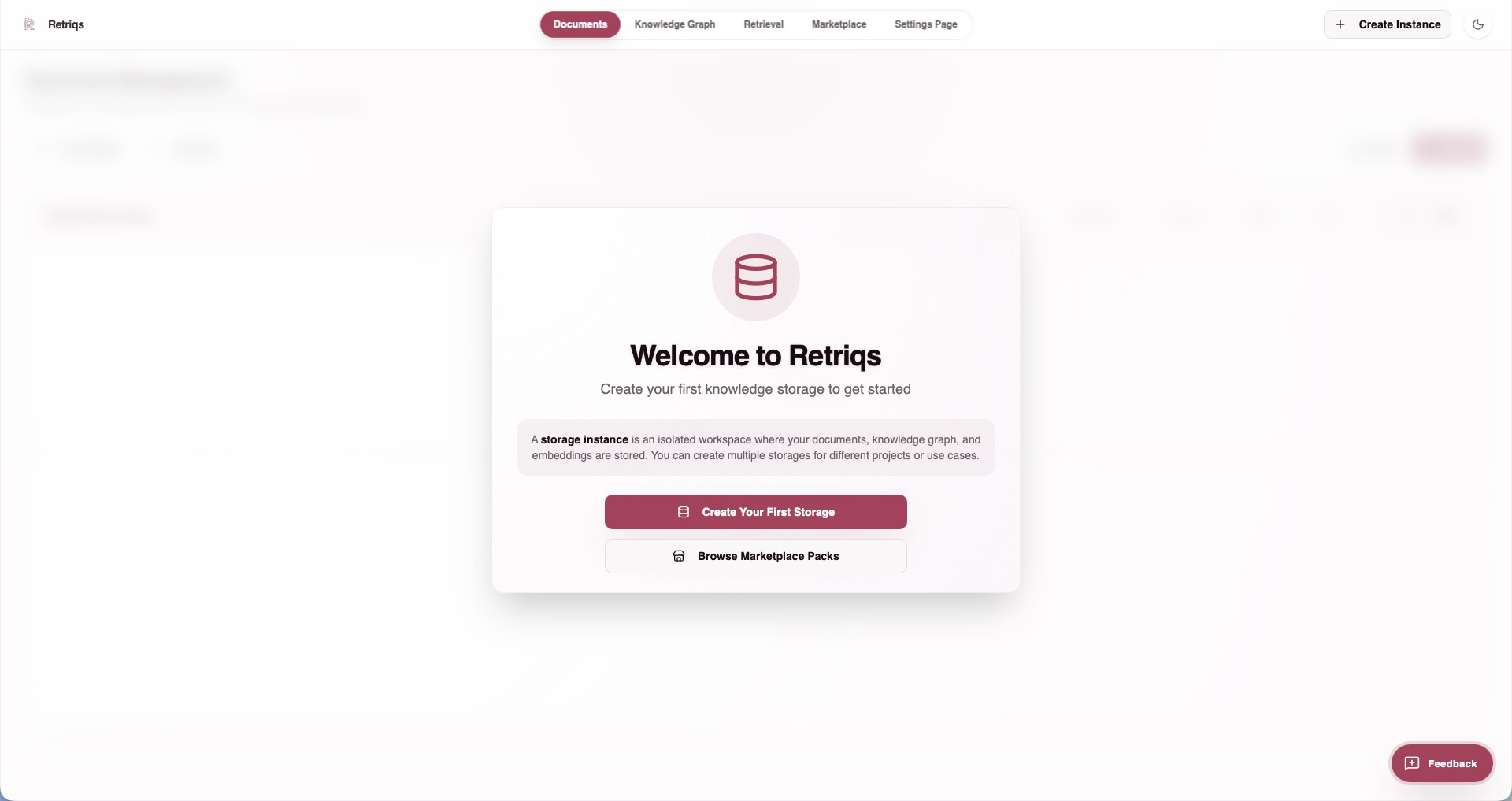
Creating a new storage
- Open the Retriqs app.
- Navigate to the Storage section in the sidebar.
- Click on Create Storage.
- Provide a recognizable name for your new storage workspace (for example, "Company Guidelines").
- After creating the storage, you must configure its settings, such as your LLM and embedding providers.
- In the configuration panel, select your preferred provider (Retriqs natively supports smooth integration with Ollama and OpenAI).
- Once configured and saved, Retriqs will automatically provision the underlying storage architecture (such as an isolated directory within
rag_storage/or dedicated database records) for this specific workspace.
For detailed configuration steps, refer to the Configuration documentation.