Delete Storage
If you no longer need a storage workspace, you can delete it from Retriqs to free up disk space and remove its associated data from the system.
Last updated: April 4, 2026
Prerequisites
- A working installation of the Retriqs app.
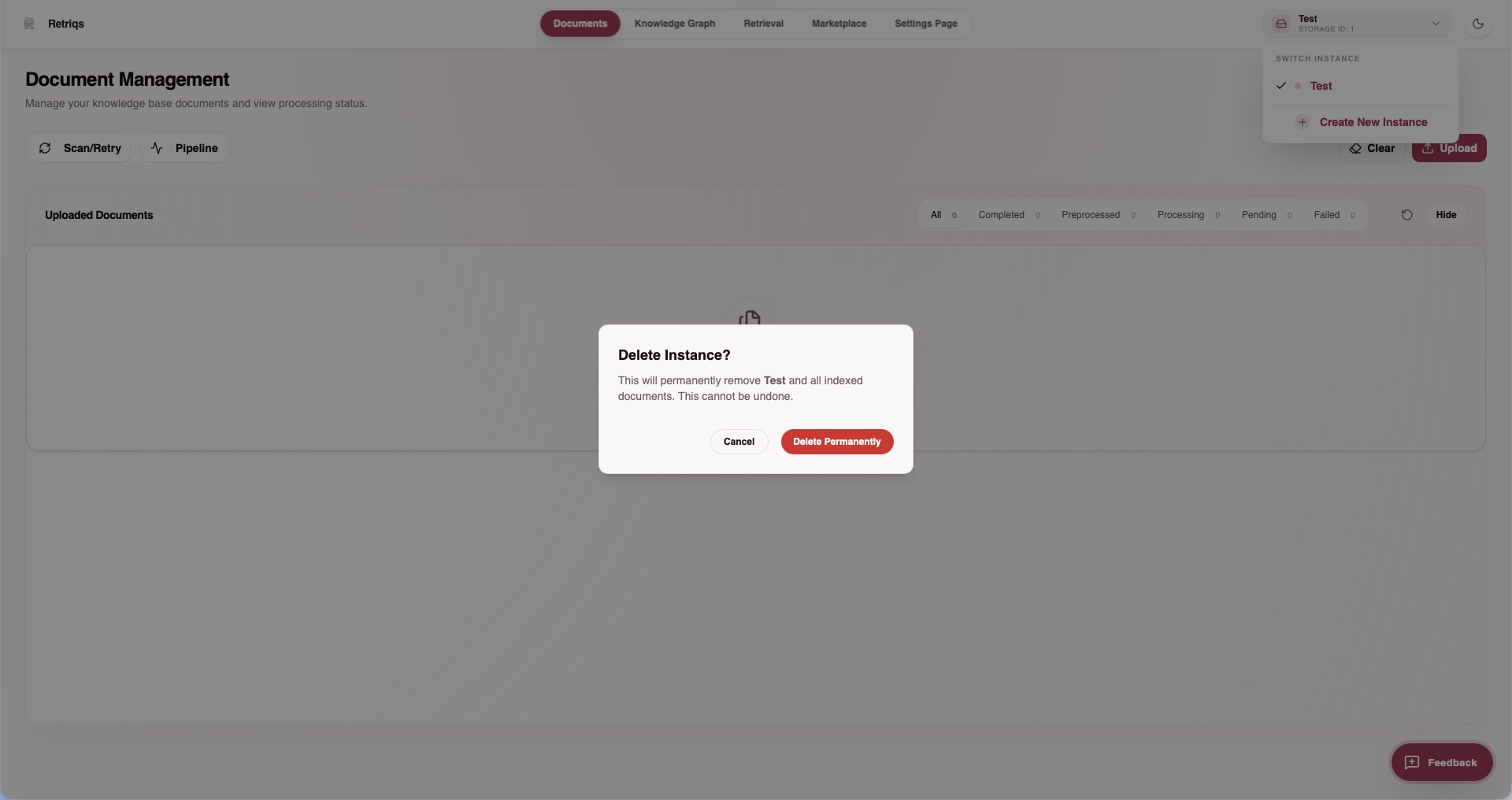
What happens when you delete?
Because Retriqs uses an advanced Graph-RAG architecture, deleting a storage workspace does more than just throw away plain text files. It performs a complete, localized wipe of:
- Key-Value Data: The chunked raw text of all documents you previously uploaded to this workspace.
- Graph Data: The entire network of extracted entities and relationships (the knowledge graph).
- Vector Embeddings: The mathematical data generated by OpenAI or Ollama used for fast similarity searches.
This process ensures that all related files in the rag_storage/ directory (or corresponding database tables) are completely cleared out for this specific storage space without affecting your other active workspaces.
Deleting an existing storage
- Open the Retriqs app.
- Navigate to the Storage section.
- Select the storage you wish to remove.
- Click on Delete Storage (or the corresponding delete/trash icon).
- Confirm the deletion if prompted.
Warning
Deleting a storage is permanent. All indexed documents, vectors, graph data, and related settings associated with this storage will be instantly and permanently removed. If your source documents are not backed up elsewhere, their insights are lost.